
Suggested components
Review the starting list against the creature.
Useful components. Extraction. Preservation.
Prepare three to eight suggested monster components. Plan extraction, quality, hazards, written time windows and preservation, then review the parts against your creature.

Useful components with practical decisions
Prepare a harvest plan that you can adapt to the creature defeated.
Review the starting list against the creature.
Give useful parts a method and tools.
Decide what remains viable during play.
Connect quality, buyers and legality.
Begin with the creature and harvest conditions
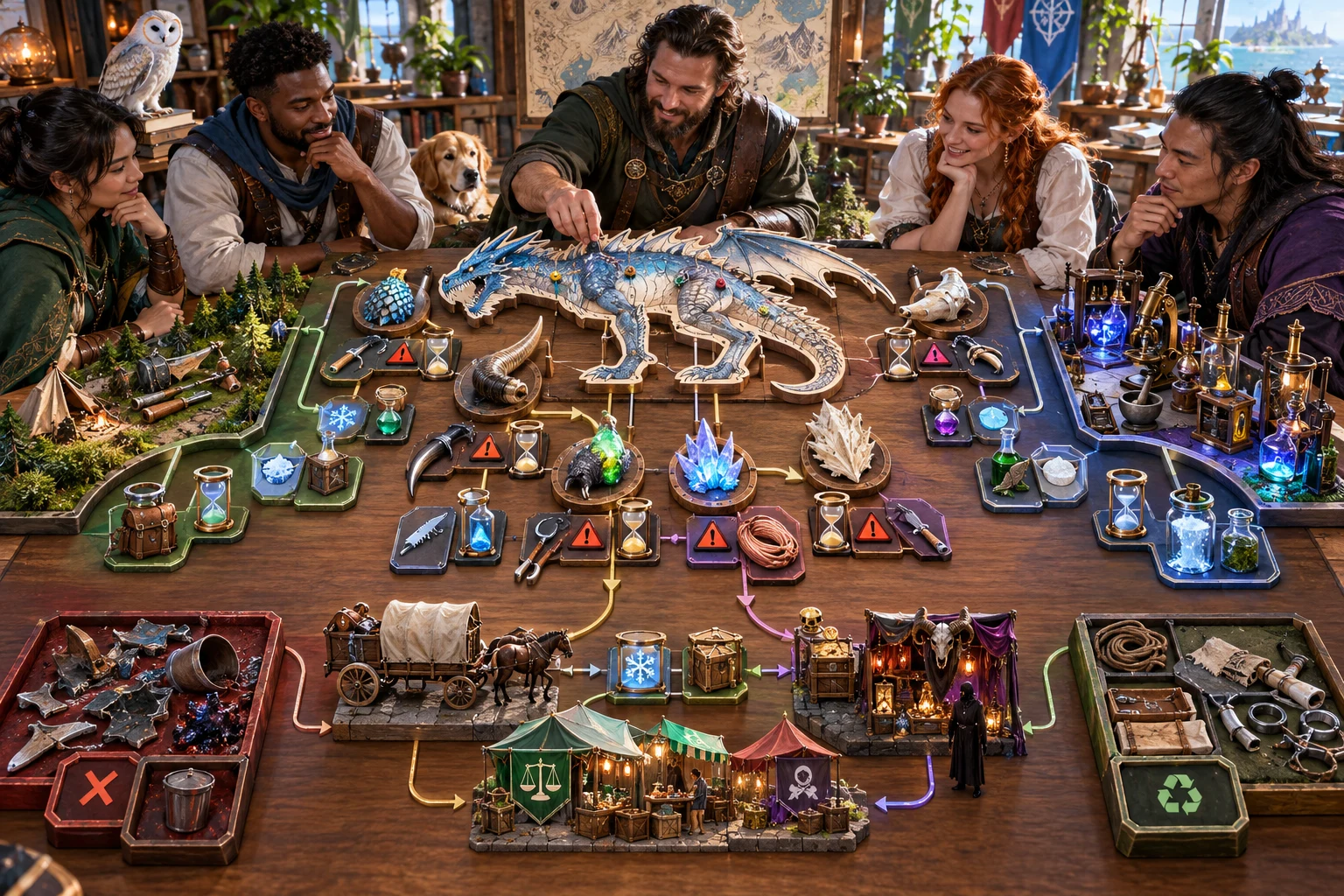
The illustration represents fantasy harvest planning, not an application screenshot.
Set creature condition, environment, harvester and component count.
Review suggested parts, extraction steps, tools and written viability windows.
From defeated creature to reviewed harvest
Keep parts, risks and preservation together in one plan.
Set creature, condition, environment and harvester.
Choose three to eight suggested parts.
Check extraction steps, quality and written windows.
Compare sections and audience material before play.
The monster harvest workspace
Keep extraction and preservation decisions beside each suggested component.
Prepare a suggested list and review it against your creature.
Give each part a method, tools, order and time allowance.
Describe usable material under the chosen harvest conditions.
Record spoilage windows to apply during play.
Consider contamination, protection, storage and transport.
Connect recovered parts to practical uses and legal context.
Lock or reroll components, viability, uses or failure.
Edit, save, copy, download JSON or print your chosen view.
Quick list and deeper harvest context
Add the anatomy and practical conditions that make this harvest useful.
Consider damage, anatomy and age.
Describe tools and field or laboratory conditions.
Plan storage and the journey to a buyer.
Add rarity, uses, buyer notes and restrictions.
Refine and retain a reviewed harvest
Check connected sections and the player sheet after changes.
Refine components, viability, uses or failure.
Use undo and redo while adjusting the harvest.
Search, rename, duplicate or reopen an account record.
Keep up to ten prior versions with tags and private notes.

A harvest brief with preservation and possible uses
Review extraction, quality, written spoilage, hazards and failed-recovery outcomes.
Add preservation, storage, transport, buyer notes and legal restrictions.
Compare connected sections and the player sheet after rerolls and edits.
A practical plan to apply at the table
Use the written plan with your creature and the events of play.
Edit unsuitable starting components.
Apply elapsed time and damage during play.
Keep creature design, treasure and crafting separate.
Compare the player sheet after rerolls and edits.
Generator access and pricing
Choose access for this selected generator or an eligible pack.
Review current standalone access and pricing.
Check whether a current pack includes this generator.
Use your account to review premium product access.
Create a free VISINVOKE account; premium access remains separate.
VISINVOKE means value
Prepare parts worth recovering, methods for extraction and practical uses.

Adapt suggested components to your creature.
Connect extraction steps, tools and risk.
Plan written windows, storage and transport.
Save harvests, tags and private notes.
Explore your VISINVOKE workspace
Each card opens its own product website. Review purpose and access separately; related products do not promise included access or automatic synchronisation.

Open your VISINVOKE desktop products.

Prepare a live exchange after an established social mistake.

Build the wider setting around your campaign.

Develop the places your party travels through.

Explore separate adventure environments.

Explore separate fantasy image creation.
Product artwork is illustrative, not application screens or actual generated image output.
Quick answers
Understand suggested parts, written windows, section revisions, saved records and desktop access.
Prepare three to eight suggested components with an extraction method, tools, time allowance, quality, yield, hazards, preservation and possible uses. Review the fixed starting list against the creature your party defeated and edit unsuitable parts or assumptions before play.
Enter the creature, size, condition, environment and harvester, then choose three to eight components. Add anatomy, damage, age, tools, field or laboratory conditions, preservation, transport, rarity, buyers, legal restrictions and crafting, alchemical or ritual uses. Quick mode retains any Deep settings already entered.
Environment and corpse age affect the written viability windows; harvester capability and extraction site affect quality. Review extraction order, contamination, known hazards, storage and failed-harvest outcomes. You apply elapsed time, damage and failed-harvest consequences during play.
Edit the structured harvest with undo and redo. Lock or reroll components, viability, uses or failure. Rerolls retain other sections but replace the player sheet from the current controls, so compare parts, clocks and handouts afterwards. Generating a complete harvest replaces all sections. Save harvests, tags and private notes to your account library with up to ten prior versions. Search, rename, duplicate or reopen a record; reopening restores the result and locks while leaving current input controls unchanged.
Copy or download the full harvest or player sheet as JSON, or print the current view. Review the player sheet after rerolls, renaming or edits, and add any tool details the party needs. It includes suggested components, quality, time windows, known hazards and legal notes; concealed contamination is omitted. Creature design, treasure, finished crafting and wider markets stay in their separate tools. The generator does not start combat or send harvest state to Combat Pro.
Create a free VISINVOKE account and review current access and pricing for this selected generator or an eligible pack. Premium access is separate from the free account. Use your account installer page for Desktop Command Centre, then open Monster Harvest & Salvage Generator from the Generators collection in its desktop workspace.
Continue in VISINVOKE
Create a free VISINVOKE account and review current generator access.
Use your account installer page for Desktop Command Centre.
Open Monster Harvest & Salvage Generator from the Generators collection.